

Invite a teacher
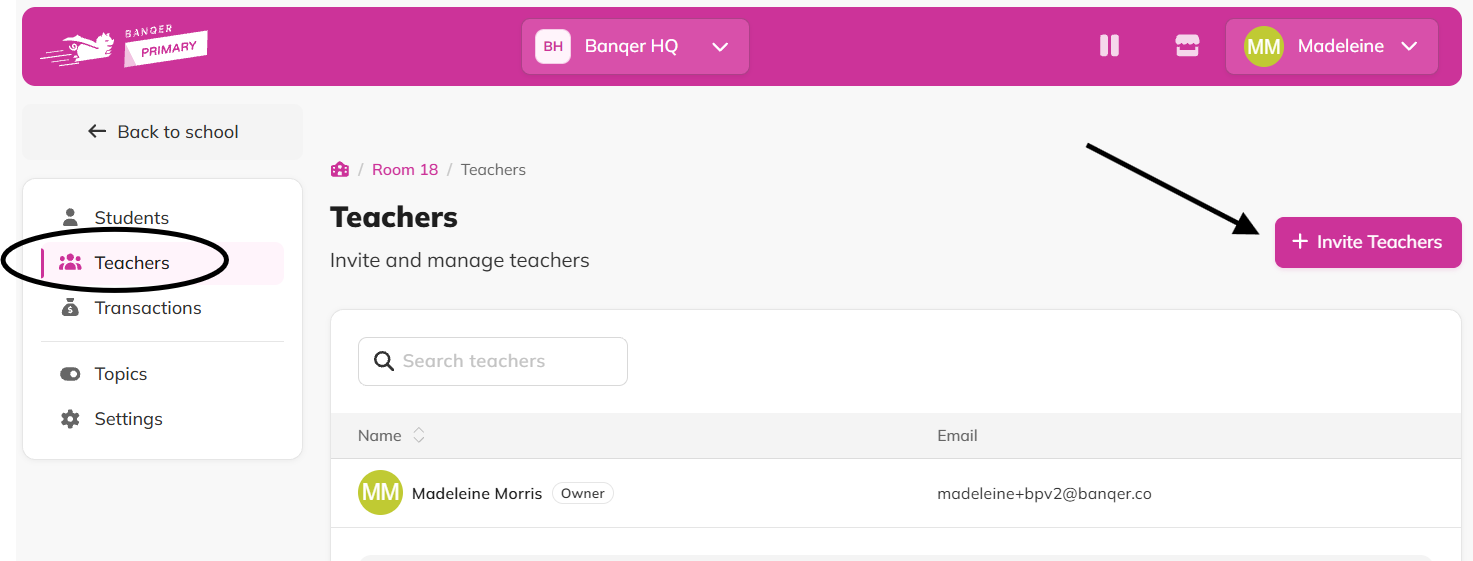
Go to the Teachers tab in your classroom.
Click the Invite Teachers button.
Enter the teacher's first name, last name and email address. You can add several teachers at once before sending.
Click Send Invites.
Manage pending invites
From the Teachers tab, click View Invites to see anyone who hasn't accepted yet.
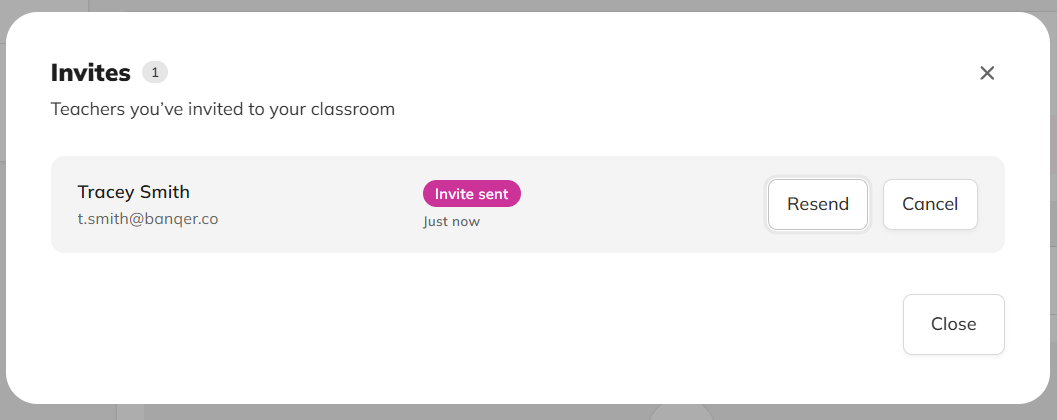
Cancel an invite from here if you no longer want to send it.
Remove a teacher
From the Teachers tab, find the teacher in the list.
Use the menu to remove them from the classroom.
Flags
Only one teacher per classroom can hold the ‘Owner’ status.
Removing a teacher only removes their access to this classroom, not their Banqer account.
Tips
If an invite doesn't send, check that the email address is correct, that the teacher isn't already in the classroom, and that the teacher is not already invited.
If a teacher has not received the email invite, ask them to check their spam folder.
If a teacher isn't showing up after accepting, ask them to refresh or log out and back in.